
Living with it
A day in the home, morning to night.
From the first light to the last, on the same screens the family uses.
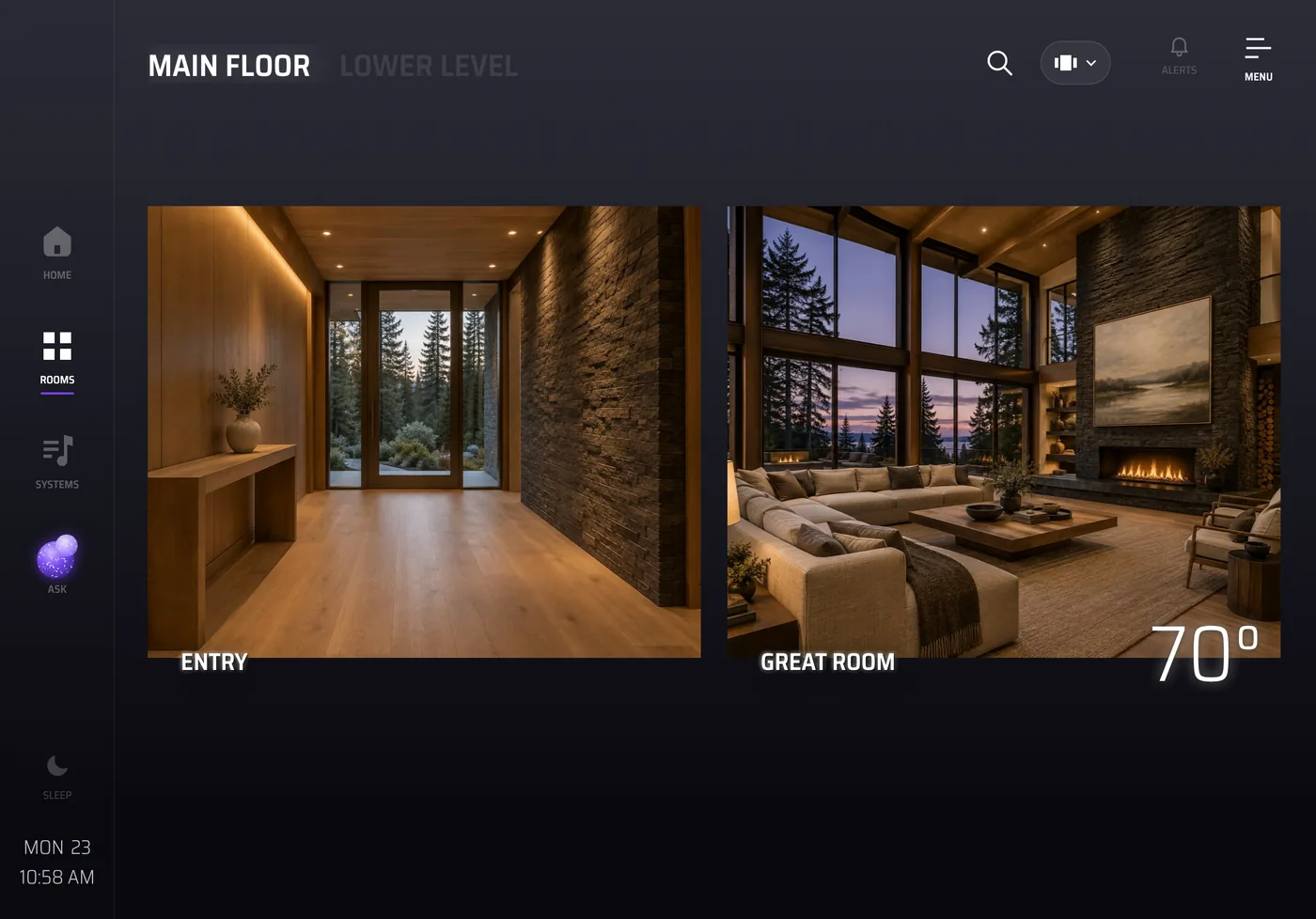
Morning · Rooms by picture
Every room shows its photograph, and its temperature where it has a thermostat. Floors are one tap apart.
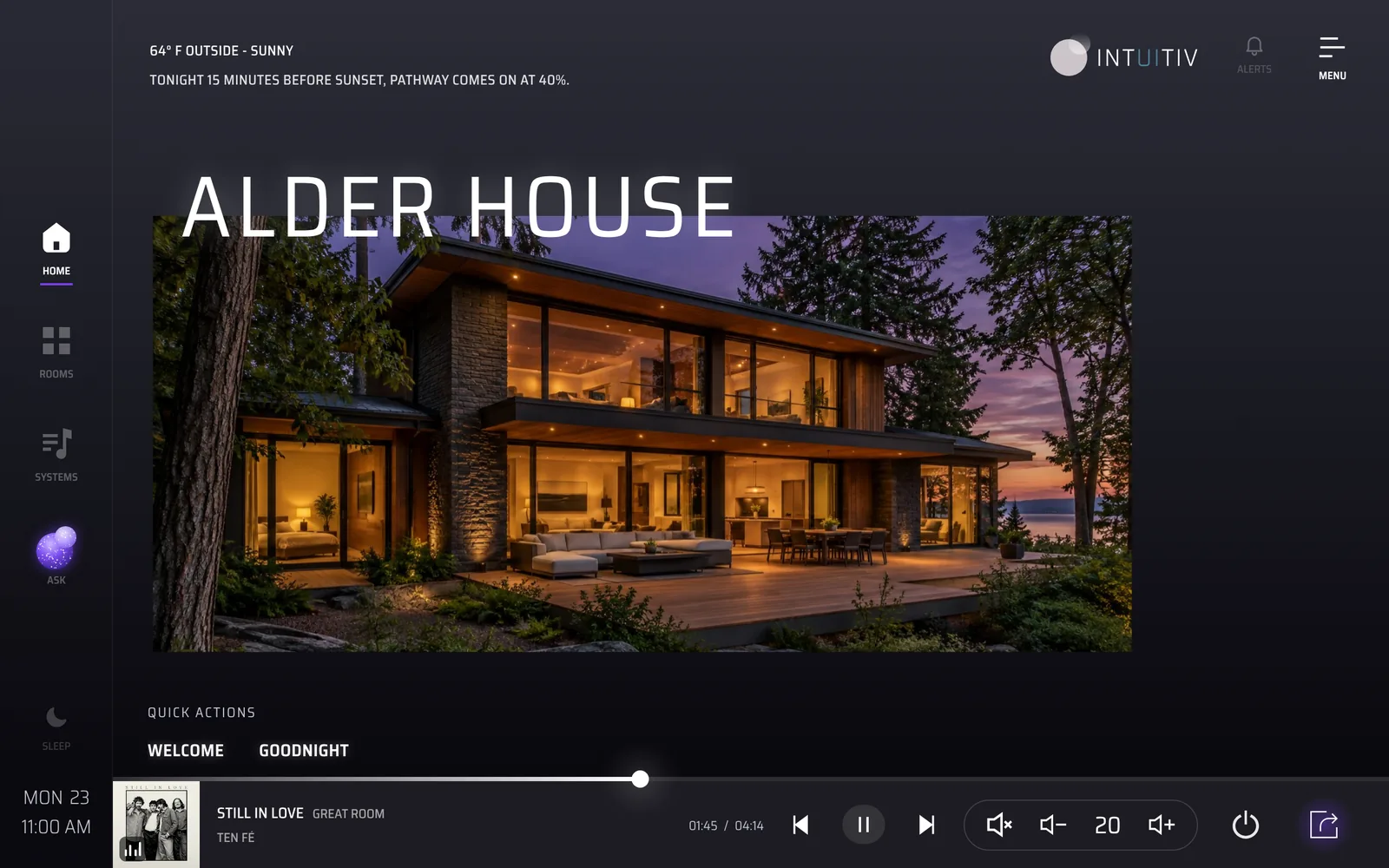
Evening · Your scene
Tap your scene. The lights and music come up.
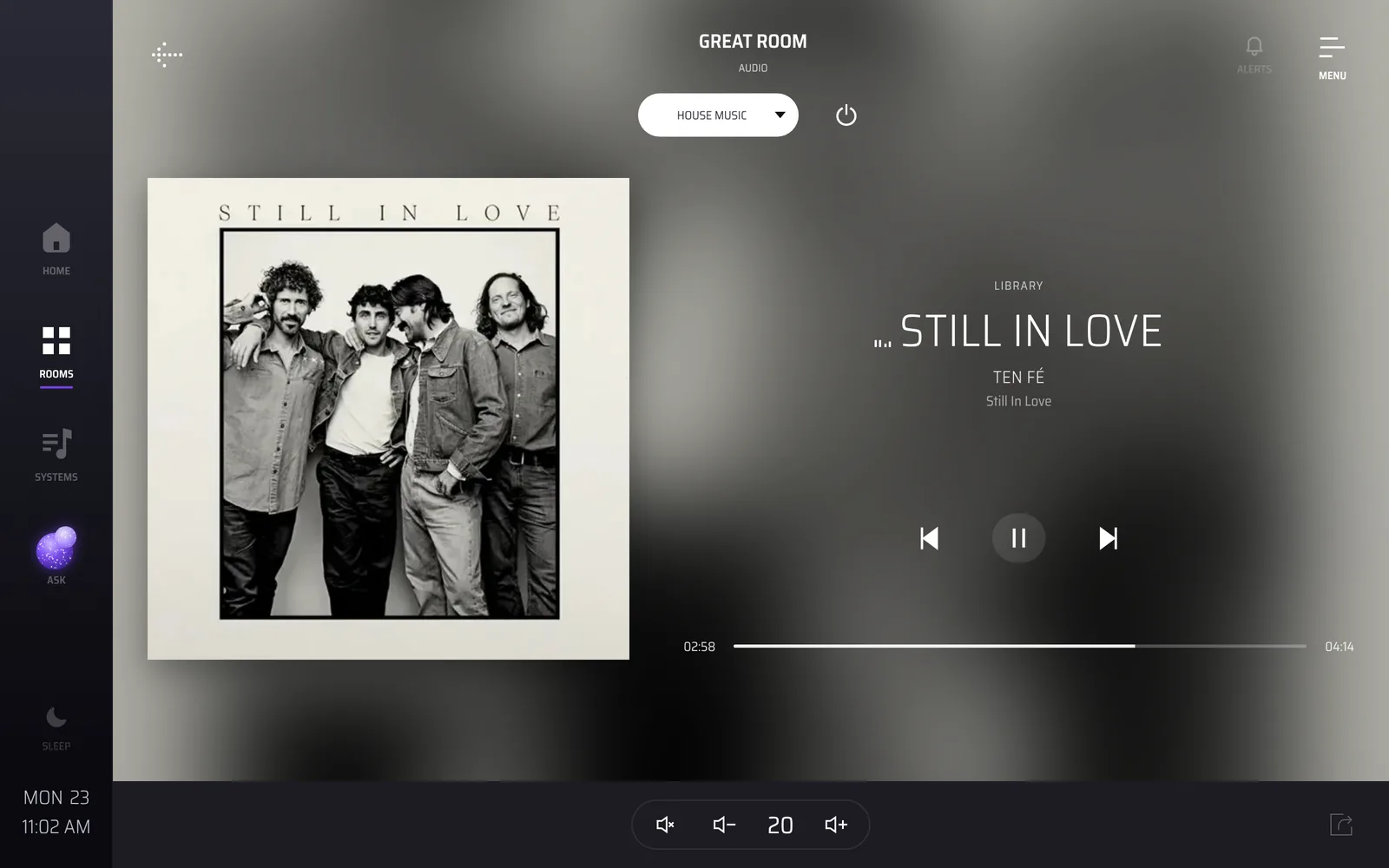
Dinner · Music, where you are
Add the music to the next room, or to every room, in one tap.
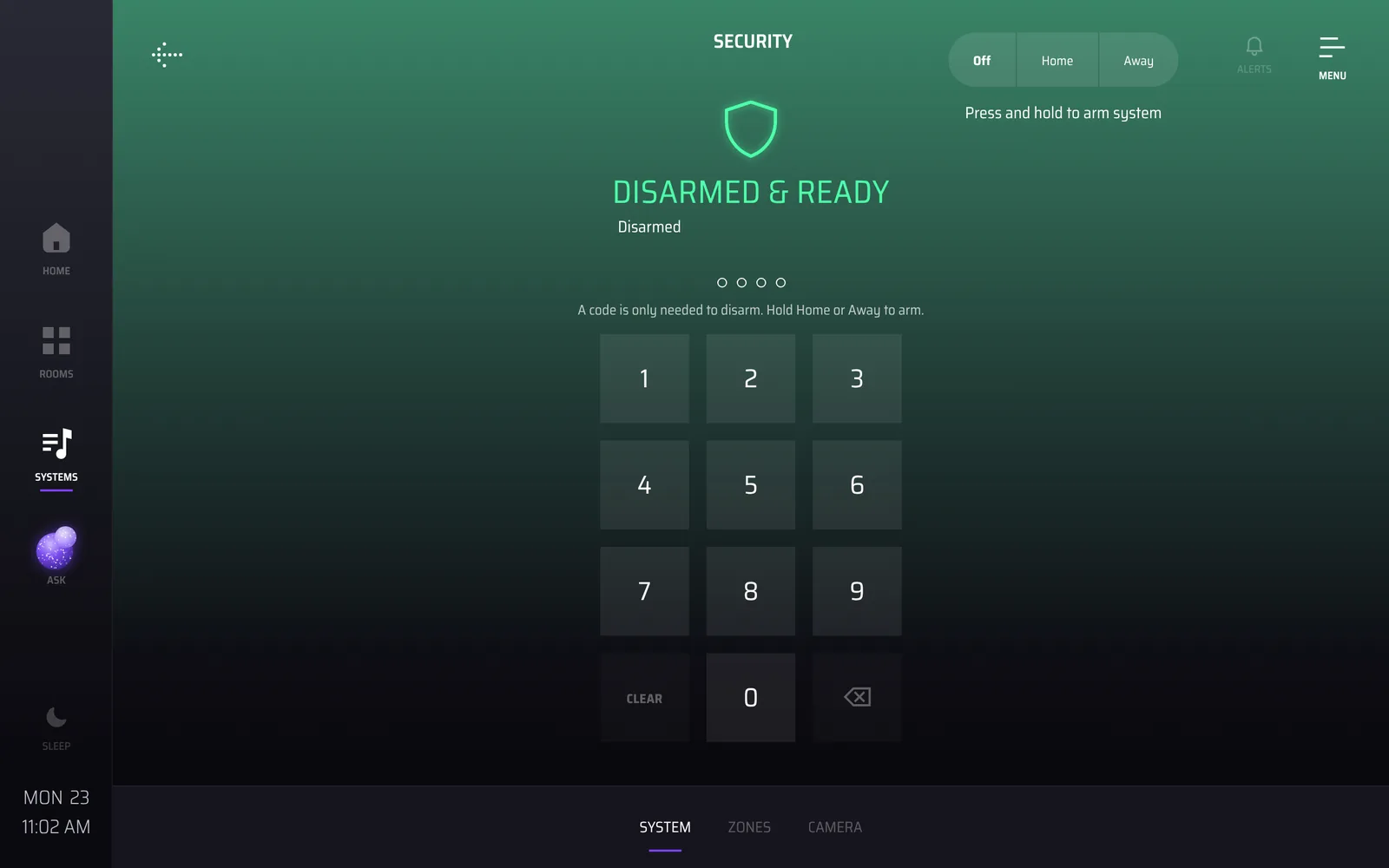
Night · Your scene
Tell the house what night means. It does the rest, and it is ready, in green, when you check.
What we hear
Seven things people tell us: what it was like before, and what the house does now.
01 · “My family can’t use it.”
Before A wall of buttons that look alike, and a manual nobody reads.
Find a room by its picture.
Every room shows its own photograph, and its temperature where it has a thermostat. Floors are one tap apart.
02 · “Too many apps and remotes.”
Before One app for the lights, another for the music, and a remote for the television.
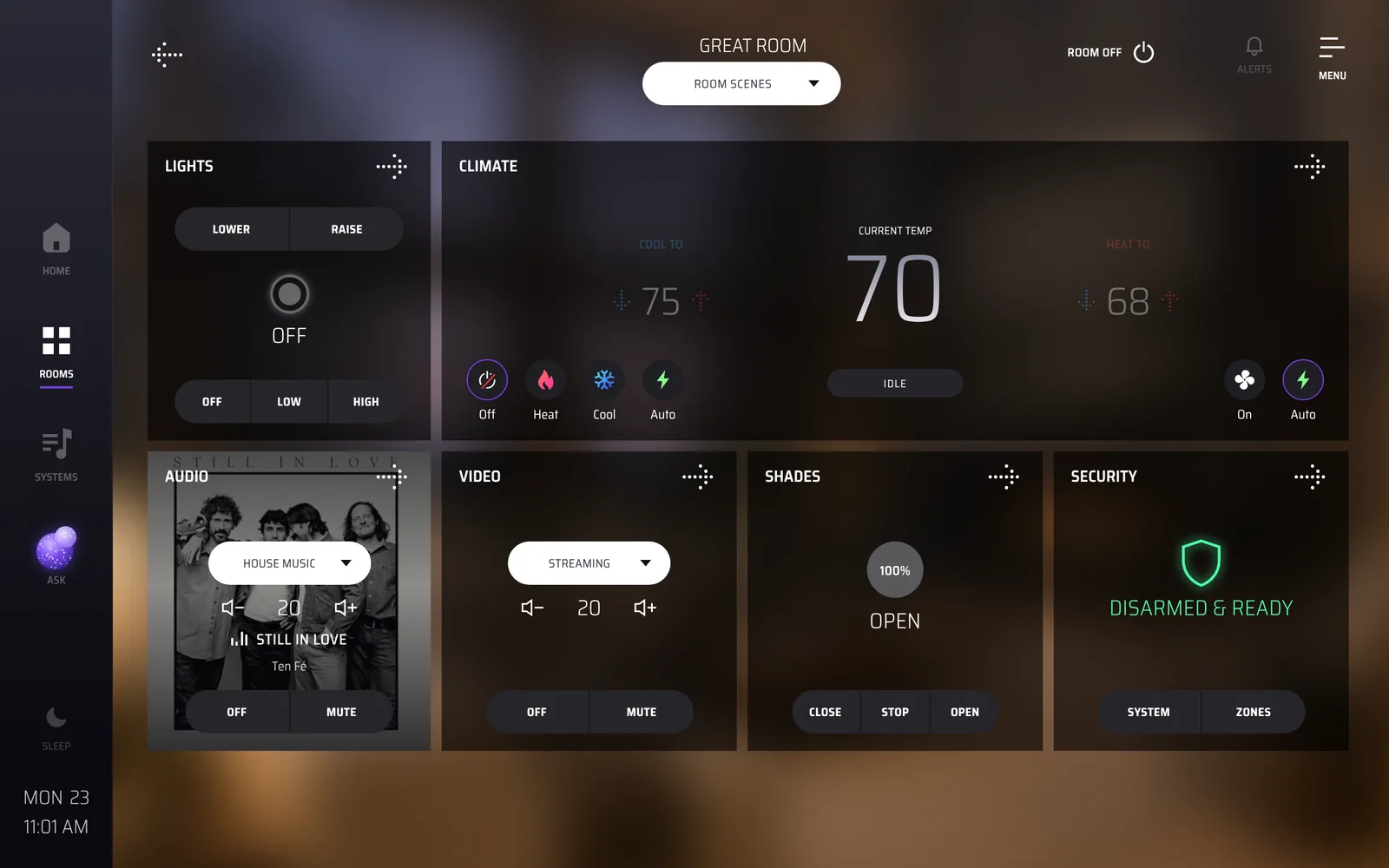
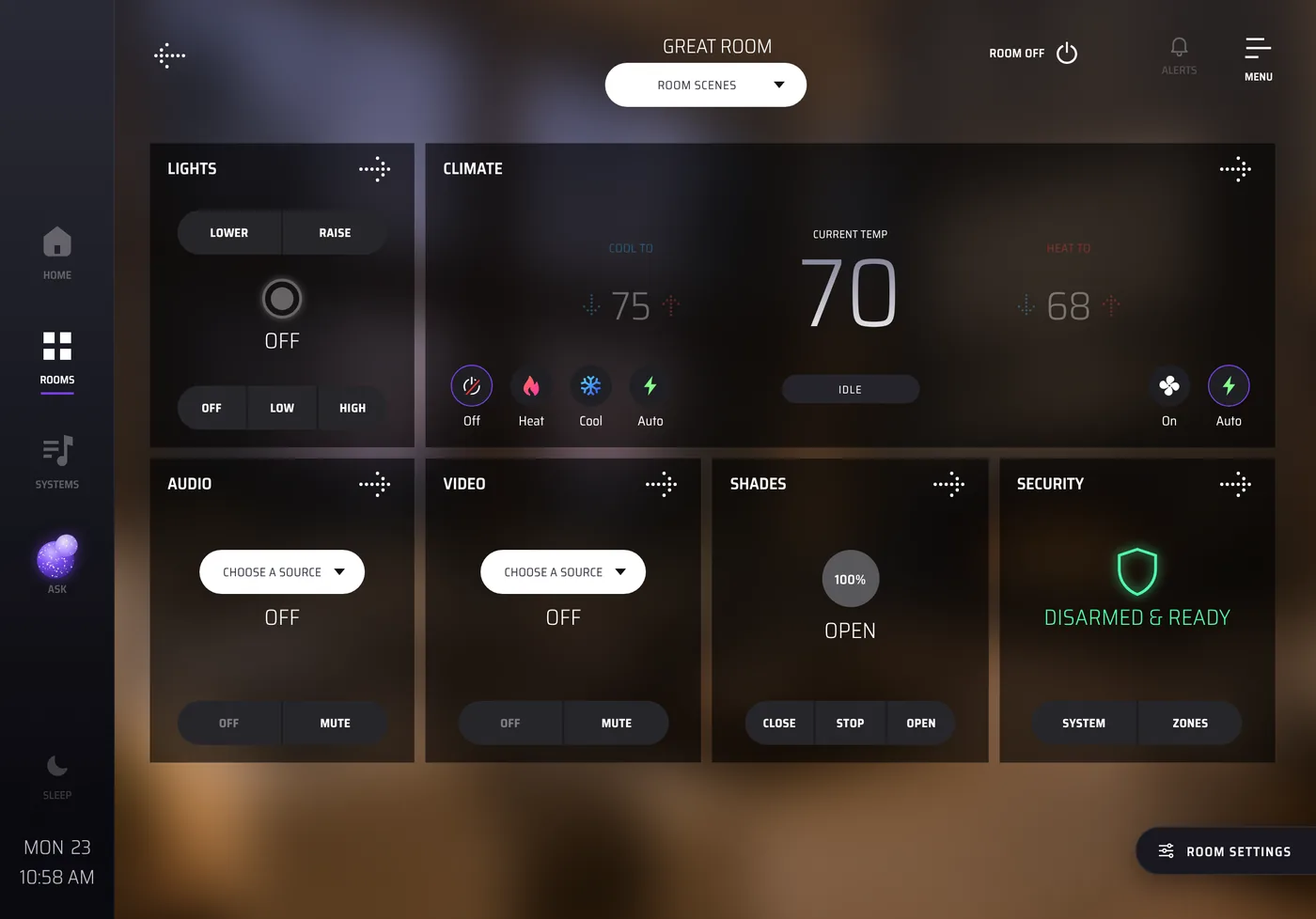
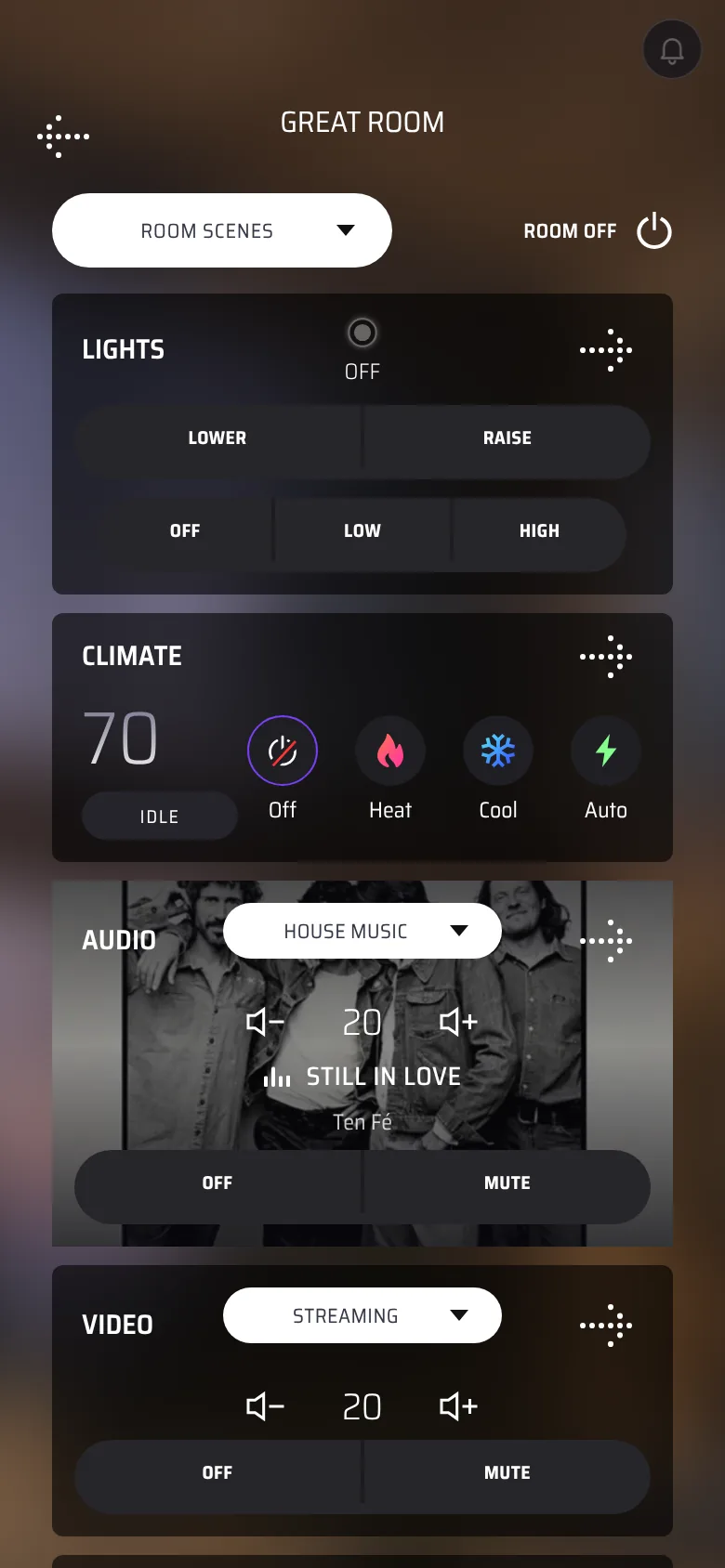
Every room, one calm page.
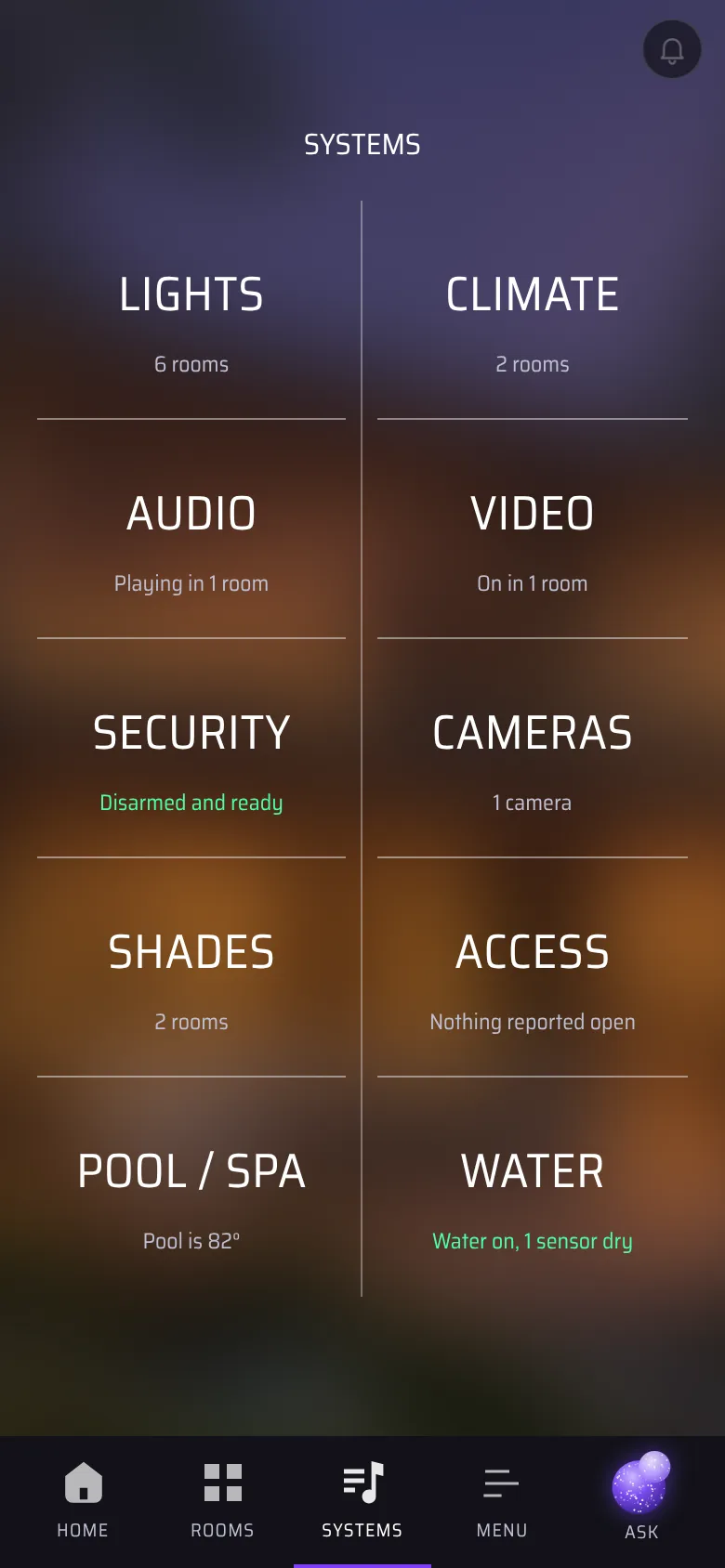
Lights, climate, music, television, shades and security for the room you’re in. Room off turns it all off. The same page on the wall, the iPad and the phone.
03 · “Which button is the guest suite?”
Before Buttons named by whoever programmed them, years ago.
Scenes are named for what they do.
Welcome and Goodnight are on the home screen, by name.
04 · “I can never get the music to play where I am.”
Before The music keeps playing in the room you just left.
Music in every room.
Now playing in the room you’re in. Add the music to the next room, or to every room, in one tap.
05 · “I’m never sure if the alarm is on.”
Before A keypad by the door, and no way to check from bed.
Security without the manual.
Disarmed and ready, in green, from any room. Works with DSC alarm panels today. Hold Away to arm; a code to disarm.
06 · “It stops working and nobody tells me why.”
Before Something stops, and nobody can say why until a service call.
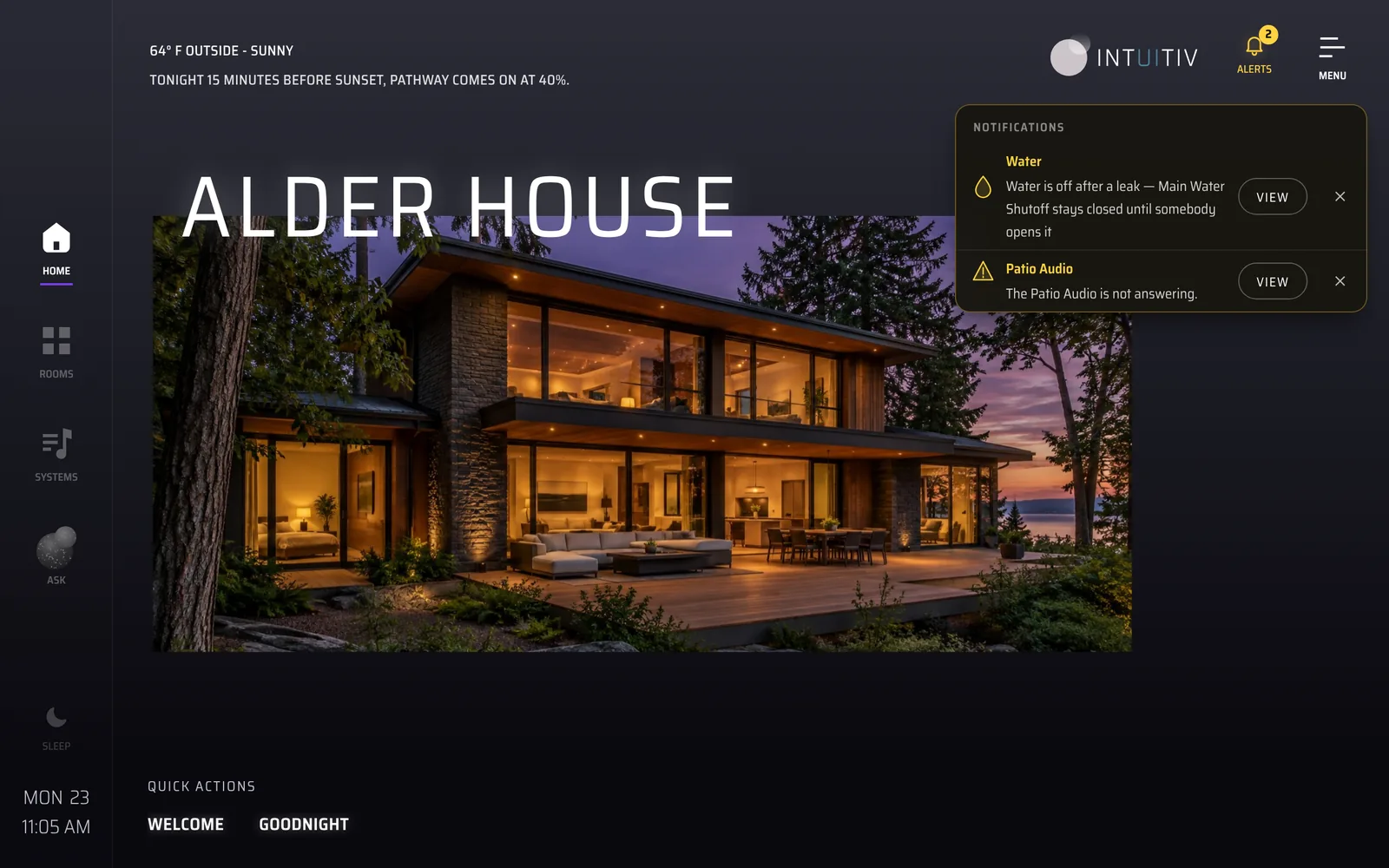
The house tells you when something is wrong.
If something stops answering, the house says so in plain words on the panel and in the app, and Device health shows when it stopped.
07 · “I can’t see the house when I’m away.”
Before A different app for the cameras, the gate and the alarm.
Your cameras, gate and home from anywhere.
See your cameras and check the gate, the alarm and the lights from away. Opening the gate asks for your PIN.
The parts you don’t see
What makes it easy to live with.
- 01
Undo
Any change to how the home is set up can be undone. Try something, and if you don’t like it, go back.
- 02
Shown before it happens
Every change is checked against the home’s own safety rules and shown to you in plain words. Nothing changes until you agree.
- 03
It keeps its own records
The as-built record of what is installed and how it is wired is drawn from the home itself, so nothing depends on one person’s memory.
- 04
Guests, on your terms
Invite someone and their phone works at once for lights, shades, climate and music. Doors, gates and the alarm wait until you confirm.
- 05
It checks itself
Device health says what is not answering and since when. The home check says whether the house still matches how it was designed.
- 06
Never locked in
At handover you receive a signed copy of how your home is set up and a recovery card. An authorized integrator can pick it up from there.
Start a conversation.
Start a conversation